Free & Secure Online PDF Toolkit
Convert, edit, and manage your documents with ease. Transparent processing and privacy-first tools.
How PDFSphere Processes Your Files
Different tools use different processing methods. Look for the badges on each tool.

Private Browser Processing
Many of our PDF tools process files directly in your web browser (e.g., Merge, Split, Watermark, PDF to Text). With these tools, your files do not need to be uploaded to PDFSphere's servers. Processing happens locally on your device for maximum privacy.

Secure Server Processing
Advanced tools, like document conversion (Word/Excel) and PDF unlocking, require server-side processing. When using these tools, your selected file is securely transmitted to our server for processing. Temporary files are discarded immediately after processing.
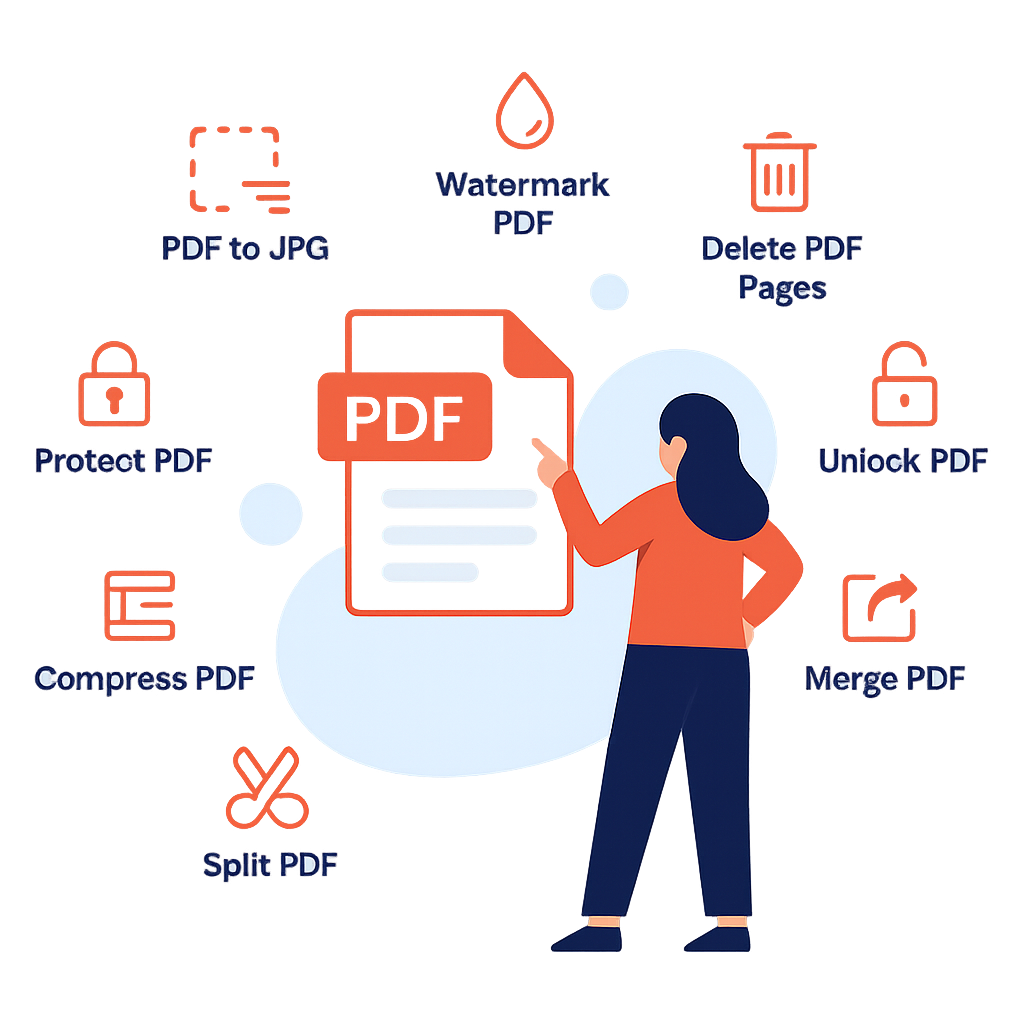
A Full Suite of Free PDF Tools
Browser Processing Tools
Processed locally on your device for maximum privacy. No files are uploaded.
Secure Server Tools
Processed on our secure servers for complex operations. Files are temporarily used and discarded.
Frequently Asked Questions
Yes, all tools available on PDFsphere are 100% free to use. There are no hidden charges or subscription fees for any of our PDF conversion, editing, or management features.
Yes, we prioritize your privacy and security. PDFSphere uses two types of processing depending on the tool you use. Many tools (like Merge, Split, or Text Extraction) process files locally in your browser so they are never uploaded. Advanced conversion tools require secure server processing. We clearly label each tool and provide specific details about file handling on the respective tool pages.
No. PDFsphere is a fully online, web-based toolkit. You do not need to install any software, plugins, or create an account. Simply visit the website, choose your tool, and start processing your files instantly.
File retention depends on the tool you use. For Browser Processing tools, your files never leave your device. For Server Processing tools, your files are temporarily uploaded for processing. Temporary files are automatically discarded shortly after processing. Please refer to individual tool pages for exact file handling policies.